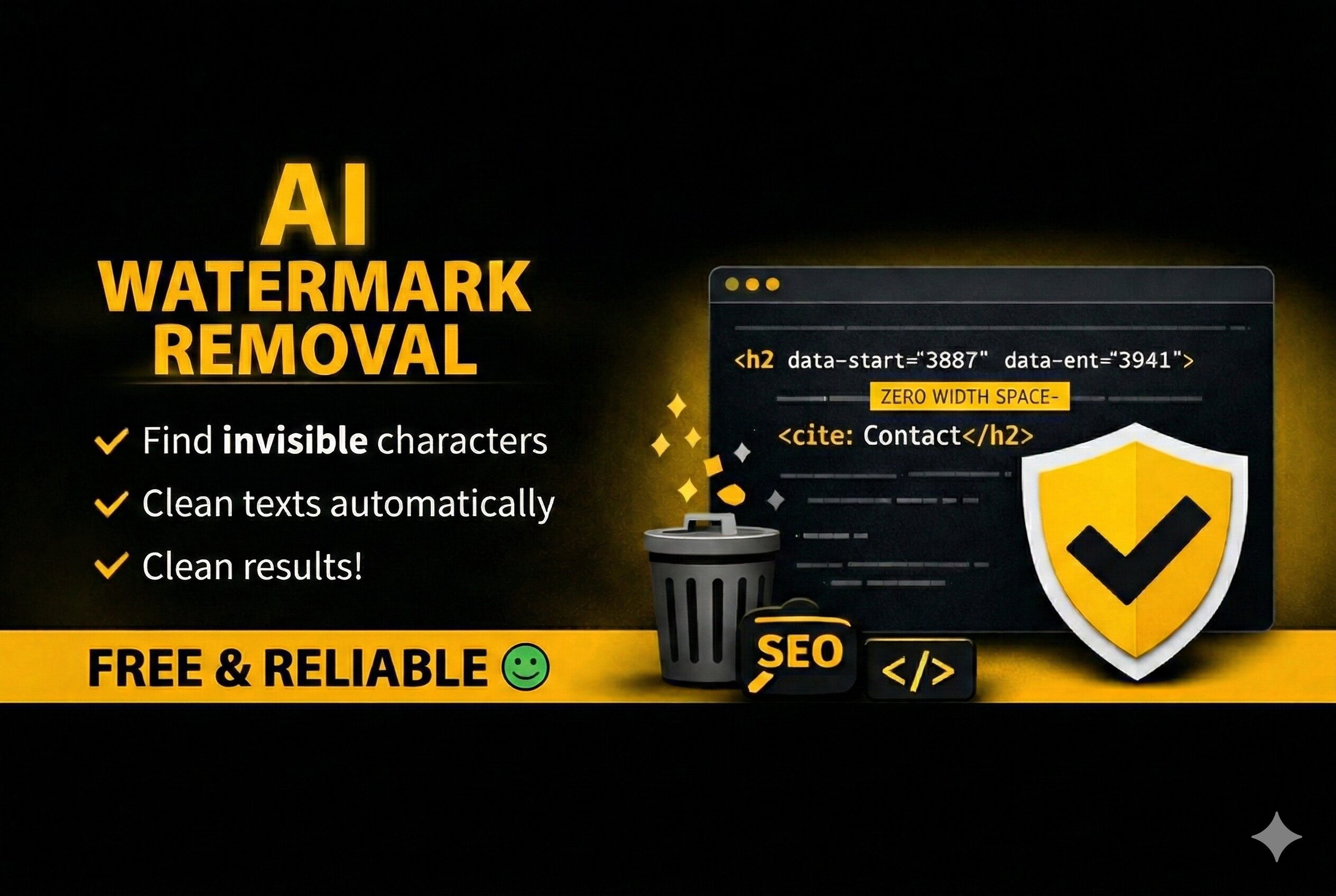
Introducing the next generation of our trusted analysis tool: With the new AI Watermark Remover, you benefit from a deeper precision analysis that unmasks hidden AI-codes and technical residues in plain text. A special highlight is the optimized copy function for your formatted texts. It ensures that valuable stylistic elements such as bolding, italics, or lists remain fully intact during the cleaning process, while invisible data junk is reliably removed.
data-path-to-node or aria-labels in the analysis view to see exactly what is bloating your text.Use the 'Paste Text' button or click into the input field and paste the text using the keyboard shortcut CTRL + V, or CMD + V on an Apple product:
The Clean (Keep Formatting) button removes invisible AI-codes while preserving elements like bold, italics, links, and lists.
Please note: The 'Plain text only' button provides pure text without any formatting. Every feature will be removed—including simple elements like bold words, etc. If you clicked this by mistake, simply click the button next to it, 'Clean (keep formatting)', to restore the formatting. This works as long as you haven't cleared everything using the Reset button.
The term "Ai watermarks / ChatGPT watermark" is commonly used to describe any invisible or unnecessary additional information transferred when copying content from Ai, ChatGPT or other tools. In reality, these are not traditional visual watermarks, but rather technical metadata.
These digital traces include:
data-start, data-end, or data-token-index.These elements originate from the internal structure of the ChatGPT editor and serve no purpose in a final, professional manuscript. Utilizing an AI Watermark Remover ensures these technical residues are completely eliminated.
SEO managers and copywriters benefit from technically clean content free of hidden characters that could interfere with plugins or analysis tools.
Clean code is essential for stable websites. This tool helps keep HTML, CSS, JavaScript, or JSON free from invisible sources of error.
Product texts, descriptions, and templates can be easily sanitized before being imported into shop systems or client websites.
Manually removing data-* attributes or invisible Unicode characters is error-prone and time-consuming. Our tool identifies characters that cannot be seen or selected manually, ensuring a thorough and reliable cleaning process.